
If you develop your own film or print in a darkroom, you already know how much precision timing matters. A developer running 30 seconds too long shifts your shadows. A missed agitation reminder muddies your contrast. An exposure that drifts a second past optimum means another sheet of paper wasted.
GoTimer now has a dedicated photography timer hub — six free, browser-based tools built specifically for film photographers and darkroom printers. No app to install, no account required, and every tool has been designed to work under safelight conditions.
Here's what's available and how each one works.
Film Development Timer
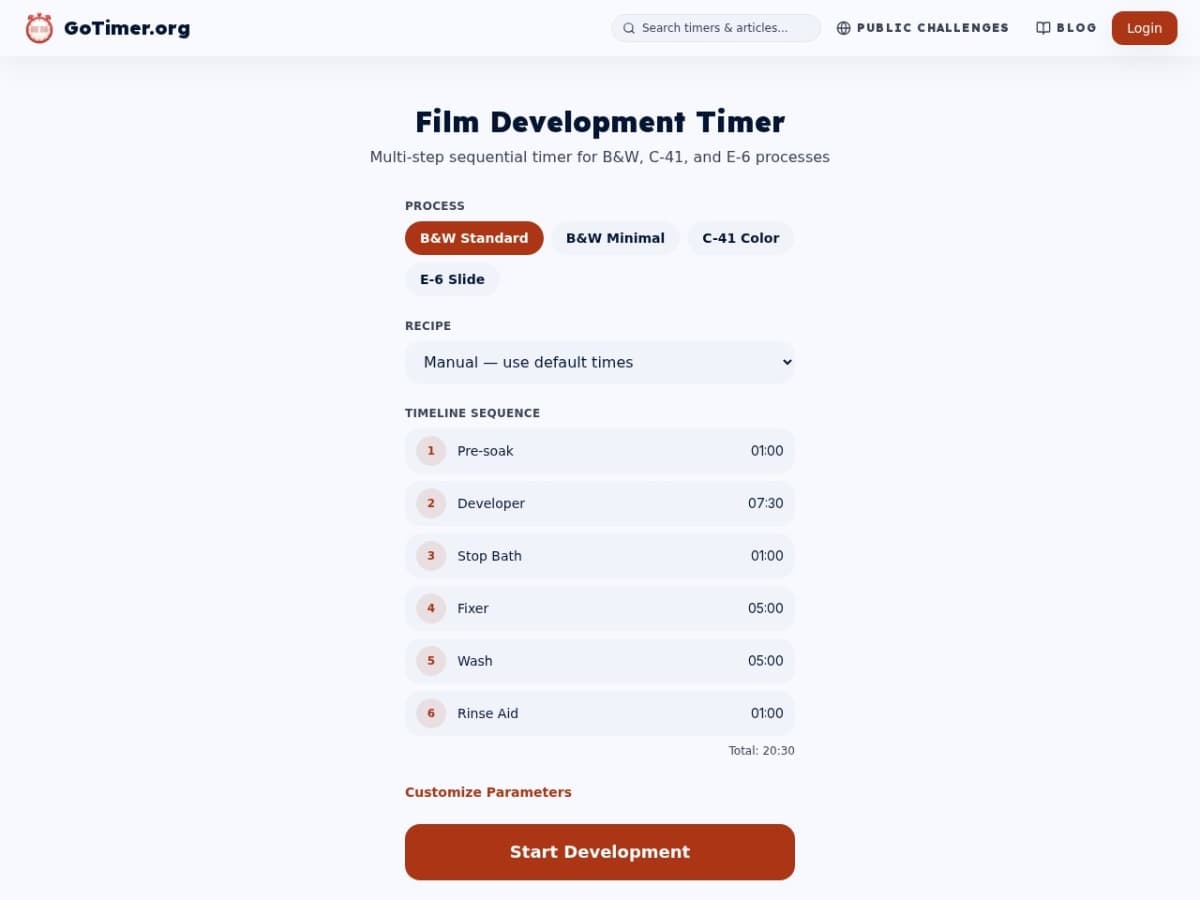
The flagship tool. Navigate to gotimer.org/photography/film-development and you get a multi-step sequential timer that walks you through every stage of a B&W, C-41 colour, or E-6 slide development process.
Select your process from B&W Standard, B&W Minimal, C-41 Colour, or E-6 Slide. The timeline sequence appears immediately — pre-soak, developer, stop bath, fixer, wash, rinse aid — with times for each step. If you're using a specific film/developer combination, pick a recipe from the dropdown and the developer time adjusts automatically.
Once running, the timer advances through each step sequentially and alerts you at each transition. You never have to watch the clock yourself — the timer watches it for you.
What makes it useful for the darkroom: The screen stays readable across the room. You're not squinting at a small phone widget while handling a dripping developing tank. The timer is the whole screen.
Countdown Timer
Free online timer — no signup required
Long Exposure Calculator
gotimer.org/photography/long-exposure-calculator
Film doesn't behave linearly at long exposures. Meter a scene at 4 seconds and you can't just set your camera to 4 seconds and expect a correct exposure — reciprocity failure means you'll underexpose, sometimes significantly. Every film stock has different reciprocity characteristics, and calculating the correction by hand is tedious.
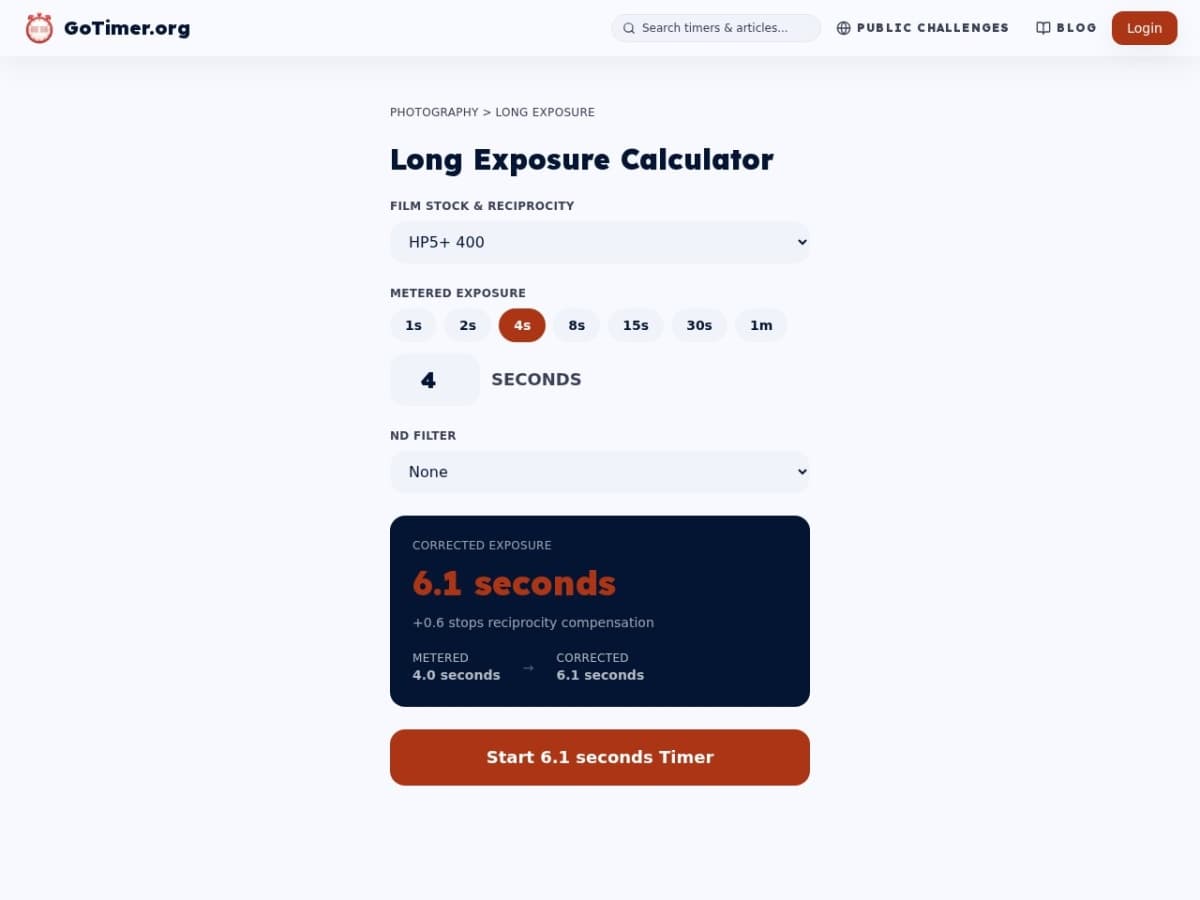
The Long Exposure Calculator handles it for you. Select your film stock — HP5+, FP4+, Delta 100, Tri-X, T-Max, Portra, Ektar, Fuji Acros, Fomapan, CineStill 800T, and more — enter your metered time, and the calculator shows the corrected exposure time you actually need to set. If you're using an ND filter, add that too and the stacked compensation is handled automatically.
Press Start Timer and a full-screen countdown begins for the corrected duration. No mental arithmetic, no separate app.
Why Fuji Acros 100 II stands out: It has almost no reciprocity failure up to 120 seconds — one of the few film stocks where your metered time and your actual exposure time stay very close. The calculator notes this automatically when you select it.
Stand Development Timer
gotimer.org/photography/stand-development
Stand development — highly dilute developer, no agitation, 60 minutes — is a beautifully simple process that forgives exposure errors and produces gorgeous compensation effects. The problem is that 60 minutes is a long time to babysit a timer.
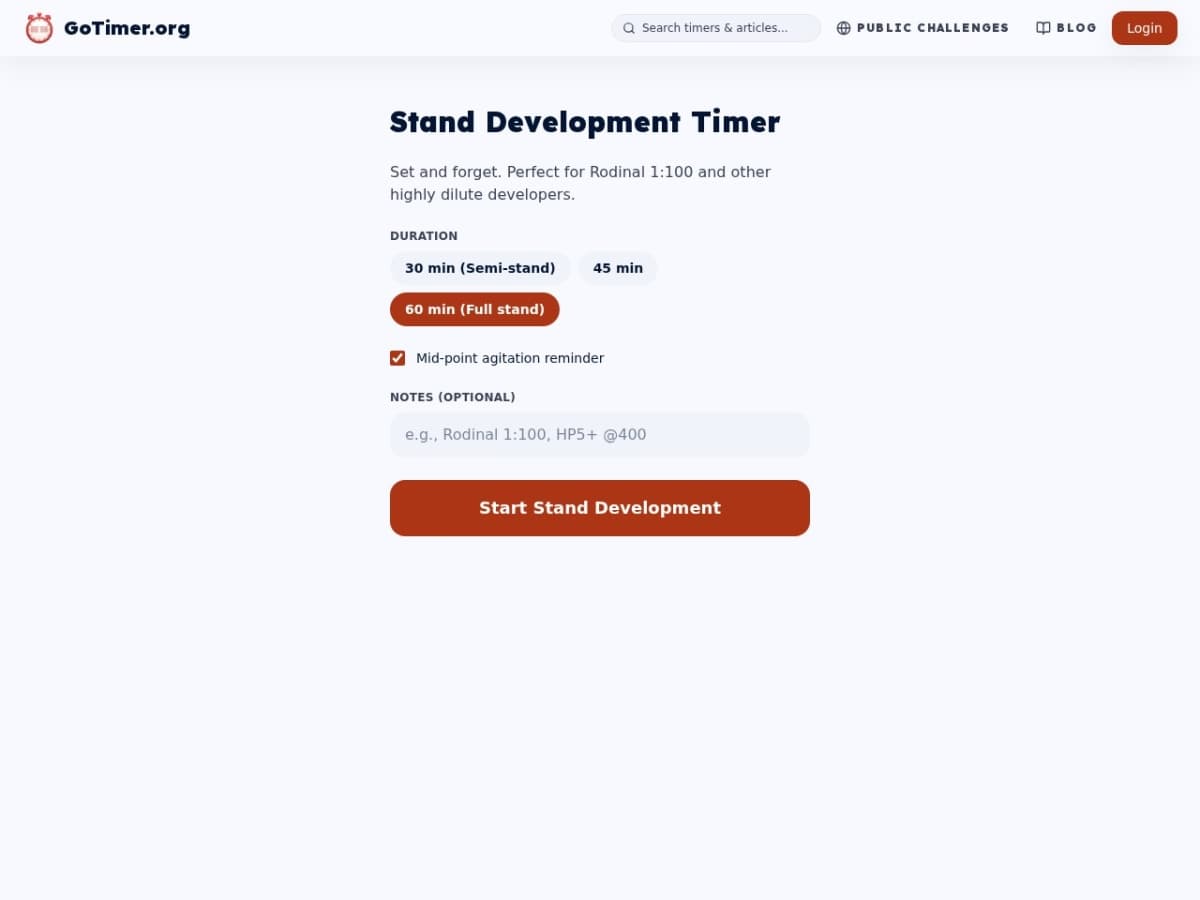
The Stand Development Timer gives you three duration presets — 30 minutes for semi-stand, 45 minutes for a middle option, and 60 minutes for full stand — plus a notes field for recording your recipe (e.g., "Rodinal 1:100, HP5+ @400"). Tick the mid-point agitation reminder and the timer alerts you at the halfway mark for a single set of inversions, then lets you go back to ignoring it.
Add your notes, press Start Stand Development, and put your phone down. It will tell you when it's time.
Enlarger Timer
gotimer.org/photography/enlarger-timer
Three modes for darkroom printing, all in one tool.
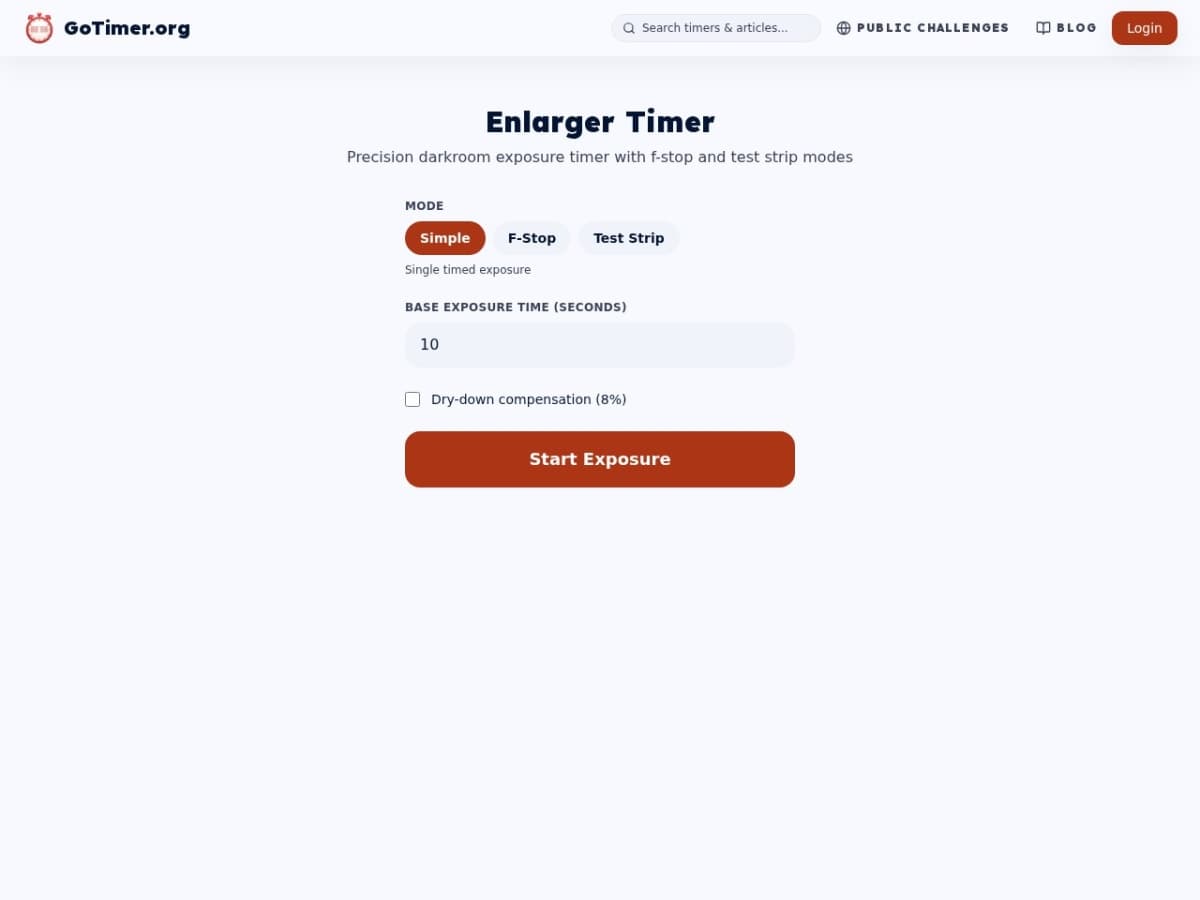
Simple mode is exactly what it sounds like — enter a time in seconds, press Start Exposure. One timed exposure, done.
F-Stop mode changes how test strips work. Instead of linear increments (5, 10, 15, 20 seconds), f-stop mode uses geometric increments — each step is approximately 1.4× the previous time. This produces evenly-spaced tonal differences across a test strip, which is technically more accurate for judging exposure because it matches how your eye perceives density. Darkroom printers who switch to f-stop test strips rarely go back to linear.
Test Strip mode steps through multiple timed exposures automatically, beeping between strips so you can cover the next section of paper without needing to look at the screen.
The Dry-down compensation checkbox adds 8% to your exposure time to account for the slight darkening that prints show as they dry — a simple correction that saves paper on final prints.
Countdown Timer
Free online timer — no signup required
Cyanotype Timer
gotimer.org/photography/cyanotype
Cyanotype printing — the original blueprint process — has seen a massive revival as an alternative photographic process. Coat your paper or fabric, expose under UV, wash. The timing window for UV exposure varies significantly depending on whether you're using sunlight or a UV lamp, and how dense your negative is.
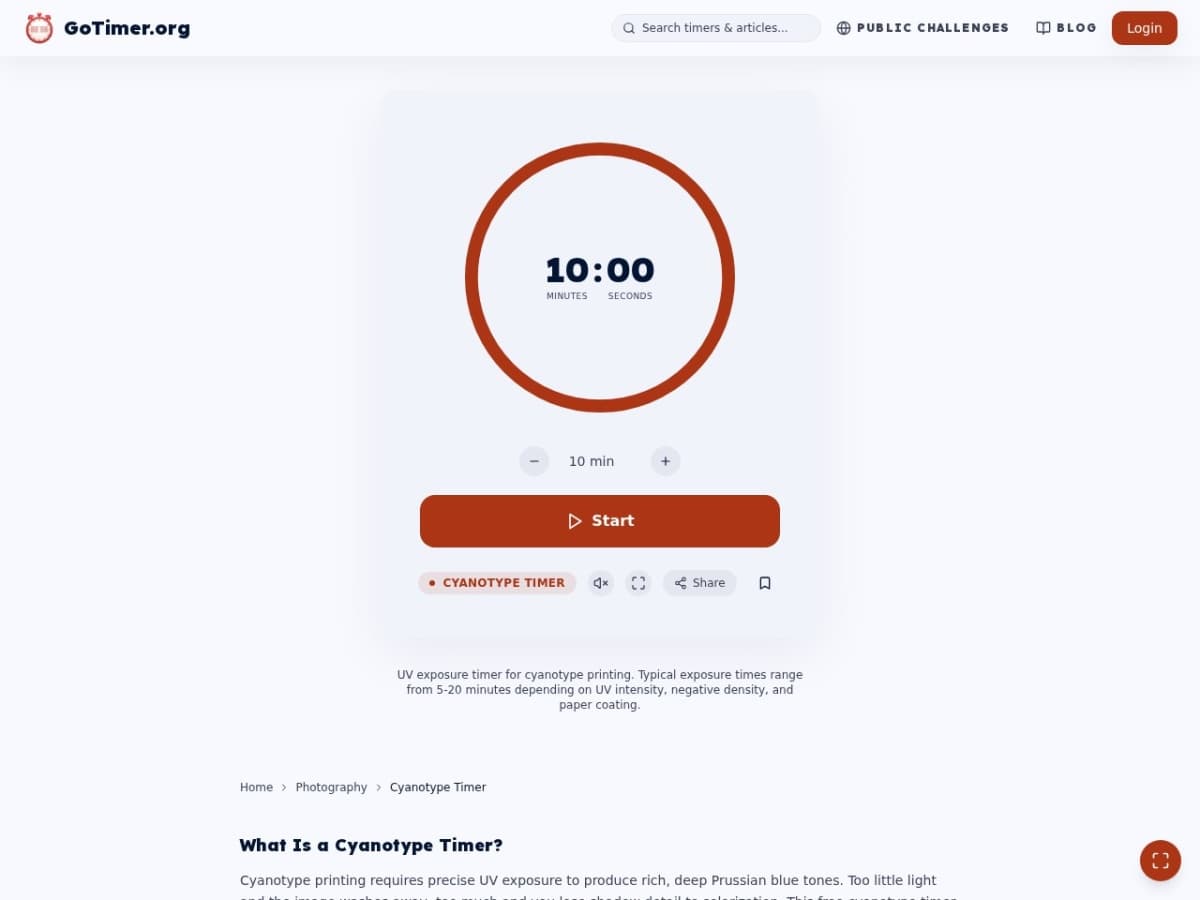
The Cyanotype Timer is a straightforward circular countdown that starts at 10 minutes (a reasonable midpoint for most conditions) and can be adjusted up or down with the + and – buttons. Typical ranges:
- Sunlight: 5–20 minutes depending on time of day, season, and cloud cover
- UV lamp: 3–8 minutes depending on lamp power and distance
The tool also works for Van Dyke brown, salt prints, and other UV-sensitive alternative processes that need a simple, accurate countdown.
Photo Walk Timer
gotimer.org/photography/photo-walk
A different kind of photography tool — this one is about creative constraint rather than technical precision.
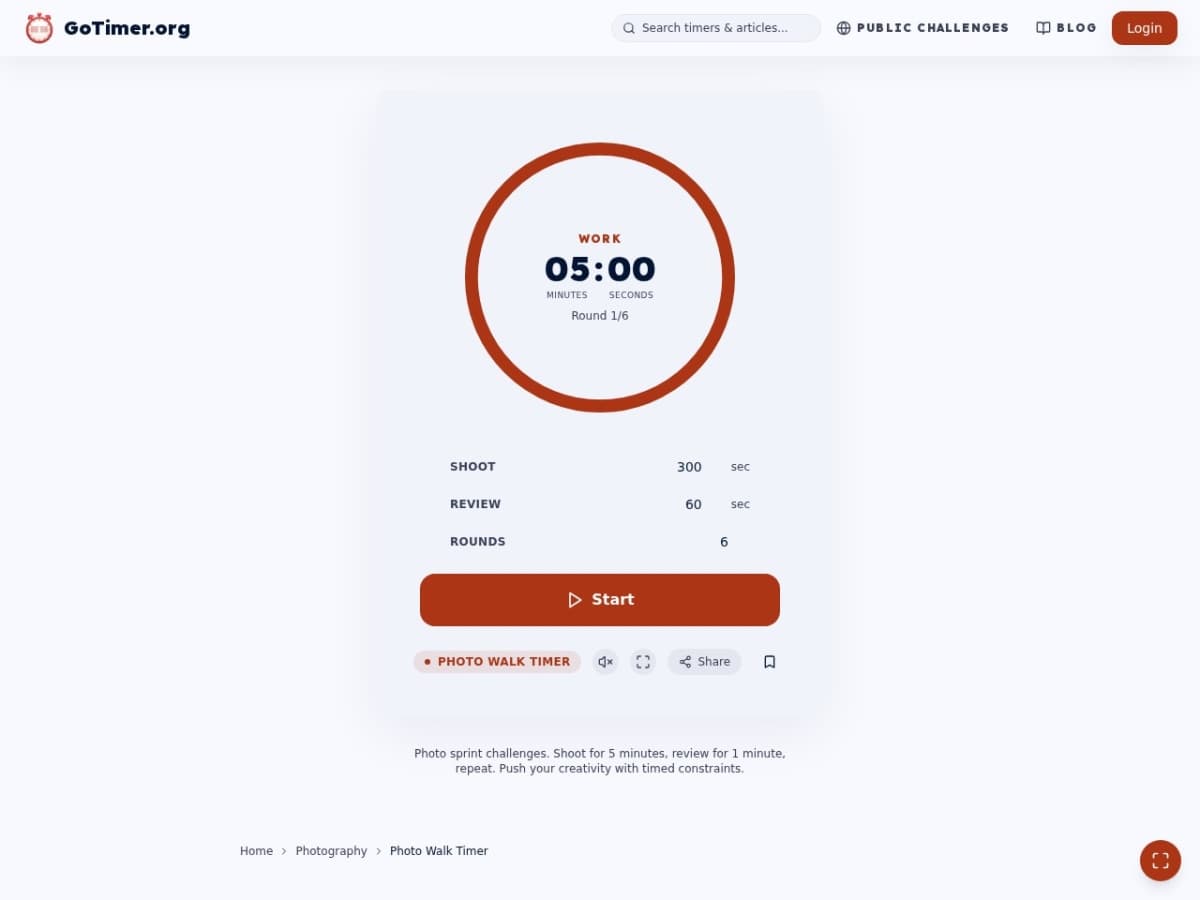
The Photo Walk Timer runs interval rounds: a shoot window during which you're actively making images, followed by a review window to look back at what you just shot, repeated for a set number of rounds. The default setup — 5 minutes shooting, 1 minute review, 6 rounds — gives you a 36-minute structured session that covers a roll of 35mm film almost exactly.
Shoot with the clock against you and your eye gets sharper. The constraint removes the option of waiting for the perfect moment indefinitely — you have to commit and move.
Share a session with a friend using the Share button and you're both shooting against the same timer. Whoever makes the best image in 30 minutes wins the round. It connects to GoTimer's public challenges so you can track results across sessions.
One Place for All of Them
All six tools are accessible from gotimer.org/photography. The hub page lists every tool with a brief description so you can jump directly to what you need.
They're free, they work in any browser on any device, and they don't require an account. If you develop film or print in a darkroom, bookmark the hub and add the tools you use most to your home screen.
Countdown Timer
Free online timer — no signup required